Library and pitch builder
Keep every version of every file.
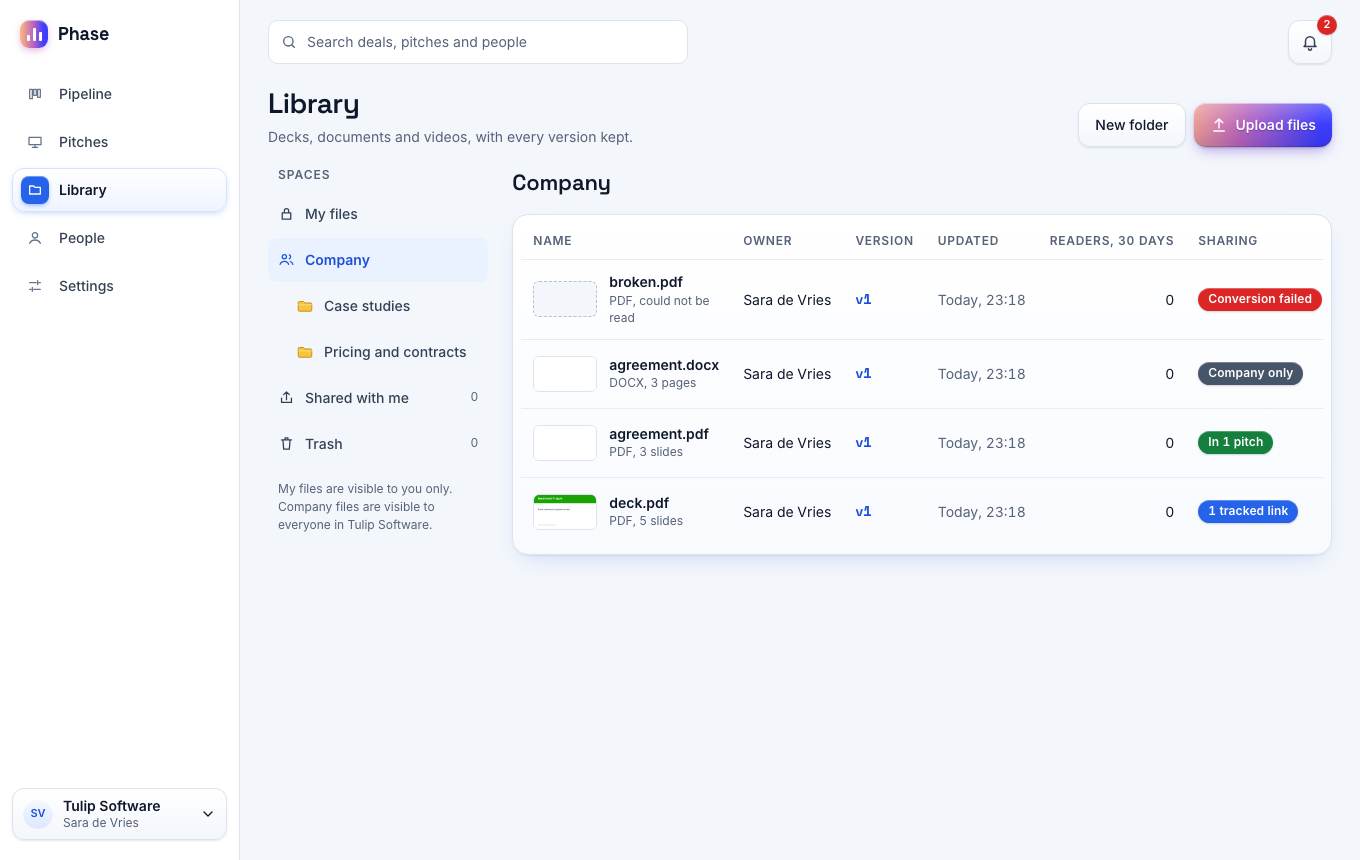
Upload the decks and documents you already have. Phase converts each file to slides and keeps every version.
Free for one seat. Readers never pay.
Upload
Your files as they are.
Phase takes PowerPoint, Keynote, PDF, Word and Excel files up to 95 MB. You keep your own editor and your own templates.
- The page shows the progress of each conversion.
- Phase converts files on its own servers.
- A failed conversion gives a reason and a retry button.
Spaces
Private and company files.
My files is private to you. Company is visible to every member of the workspace.
- Share a private file with the members you name.
- Sort files in folders.
- Deleted files stay in the trash for 30 days.
- The company library is on the Team plan.
Versions
New version, same link.
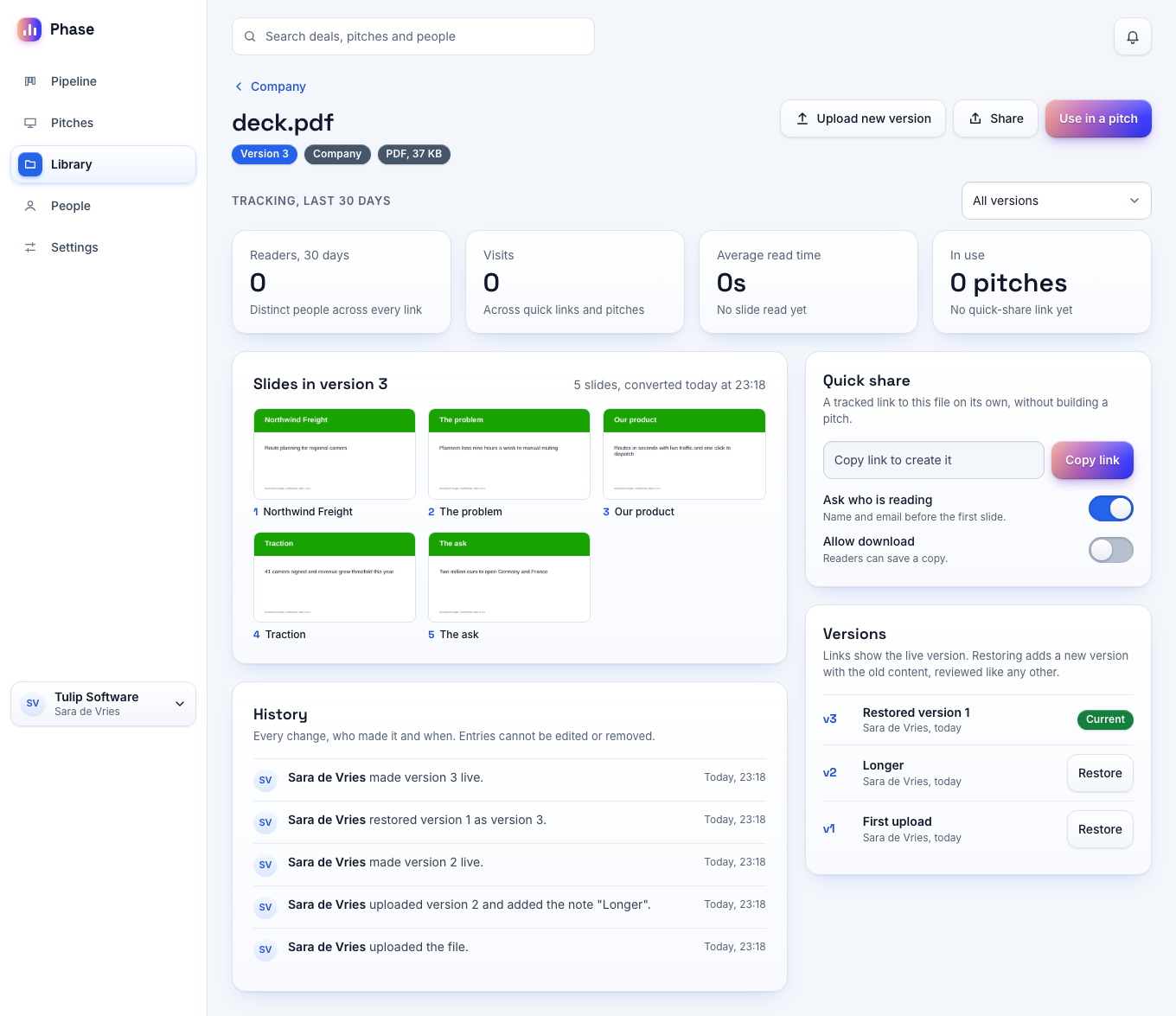
Upload a new version and review it. The pitches you switch show the new slides on the links you already sent, and Phase keeps the old versions.
- Nothing changes for readers until you finish the review.
- A pitch that you leave on the old version keeps its slides.
- Restore an old version with one click.
- The history lists every change and nobody can edit it.
- Analytics stay with the version that the reader saw.
Pitch builder
One pitch from several files.
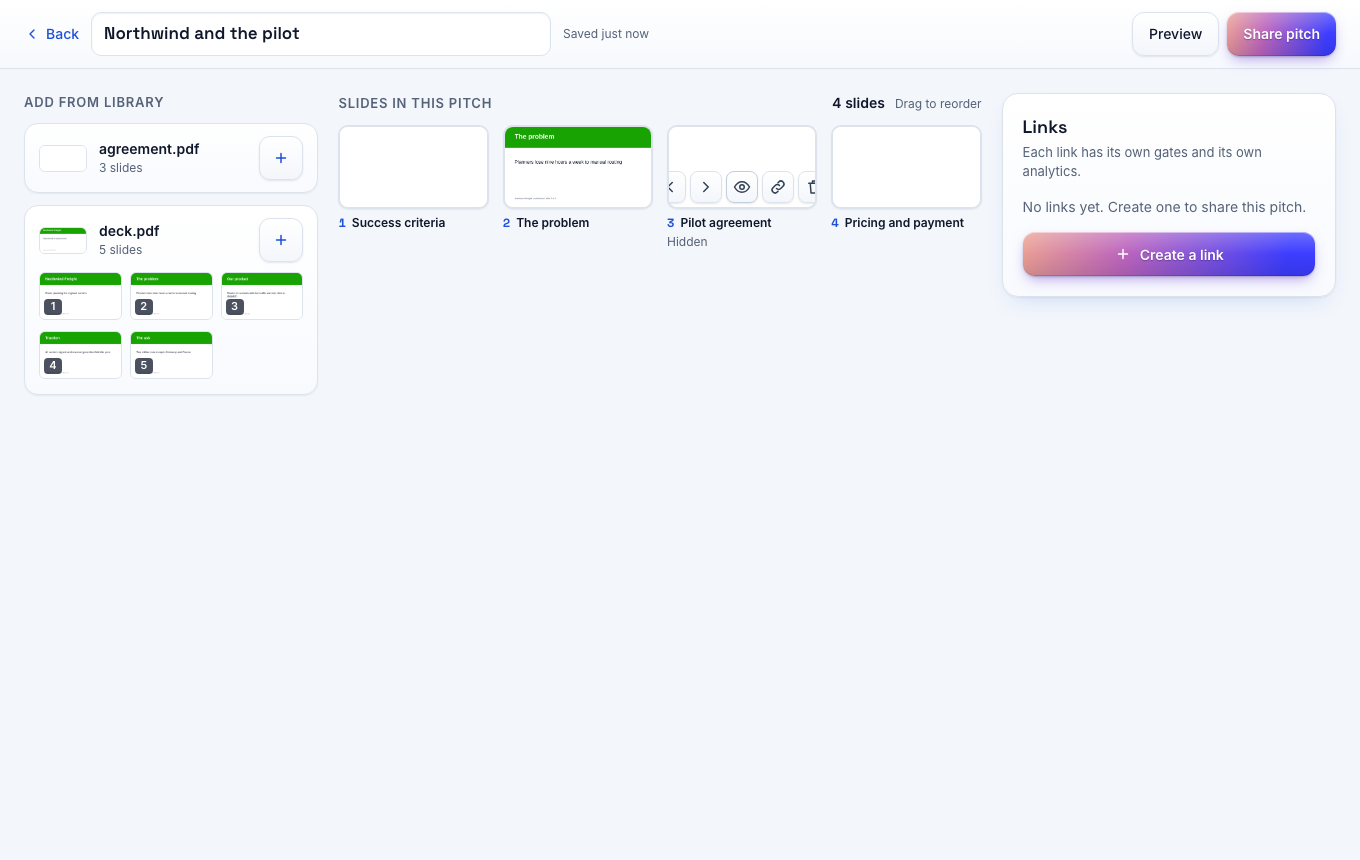
Pick slides from several files and send them as one pitch. The source files stay as they are.
- Reorder, hide or remove slides.
- Add a hotspot: an area on a slide that opens a web address.
- Preview the pitch before you share it.
- Duplicate a pitch for the next reader.
PlannedFile editing in the browser comes to the Pro plan.
Quick share
Make a tracked link for one file with no pitch.
Tracking per file
Each file page shows its readers across all links.
Up to 100 GB per seat
Free has 1 GB. Pro has 25 GB and Team has 100 GB per seat.
Your questions answered
Do my fonts and animations survive?
Fonts usually do. Animations do not: each slide becomes one image. Upload a PDF if the exact look matters.
Can I upload video?
Not yet. Files over 95 MB and video come with direct uploads.
Can a colleague see my private files?
No. A private file is visible to you and to the members you name. A role does not change that.
Send your first tracked link today
Free for one seat. New workspaces get 14 days of the Team plan without a card.