Sales
See the slides your buyer read.
Build a pitch from the decks you already have and send it as a link. Phase shows the slides each buyer read and tells you when they open it.
Free for one seat. Readers never pay.
The workflow
From first call to signature
- 01
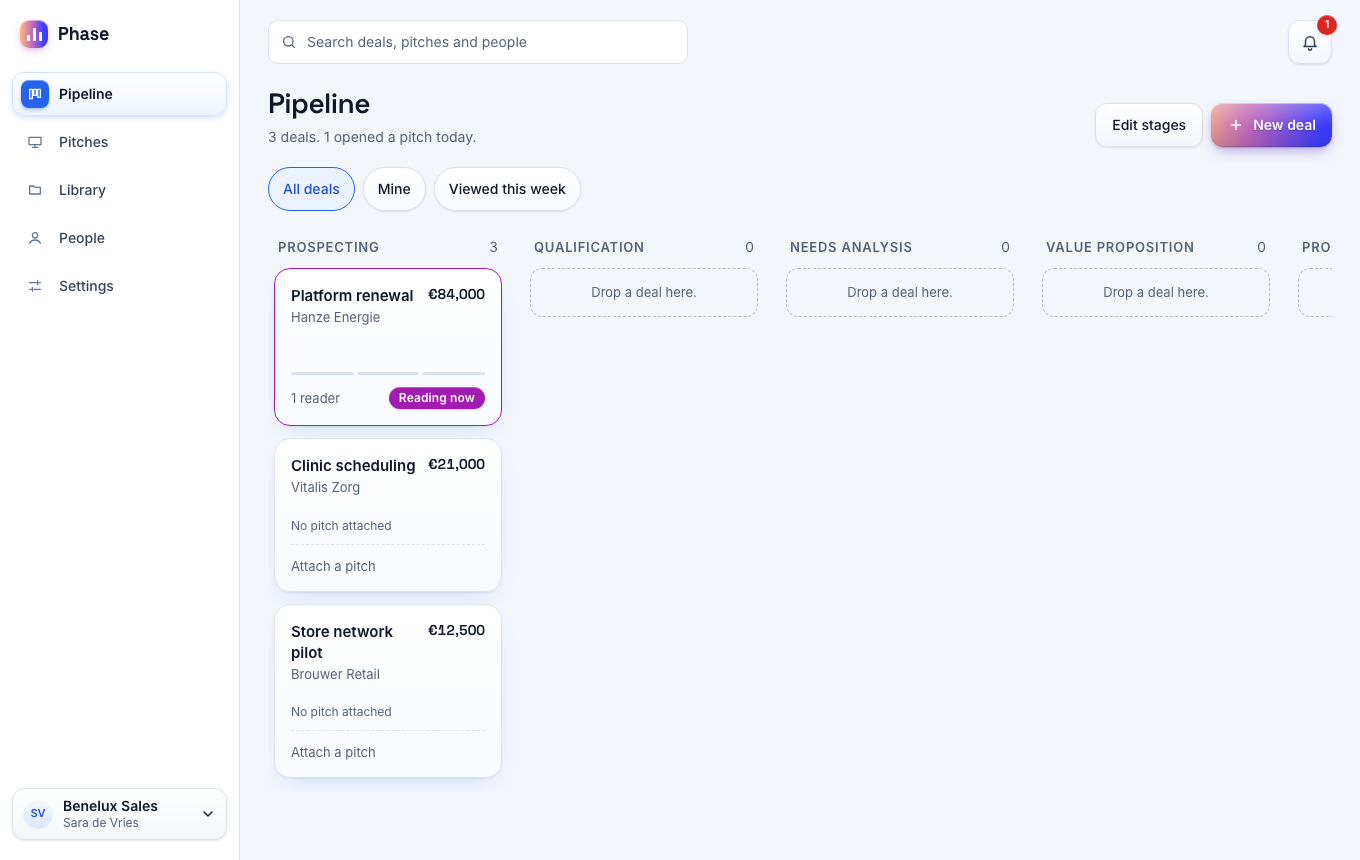
Build the pitch
Pick the slides for this buyer from your product deck, your case studies and your price list.
- 02
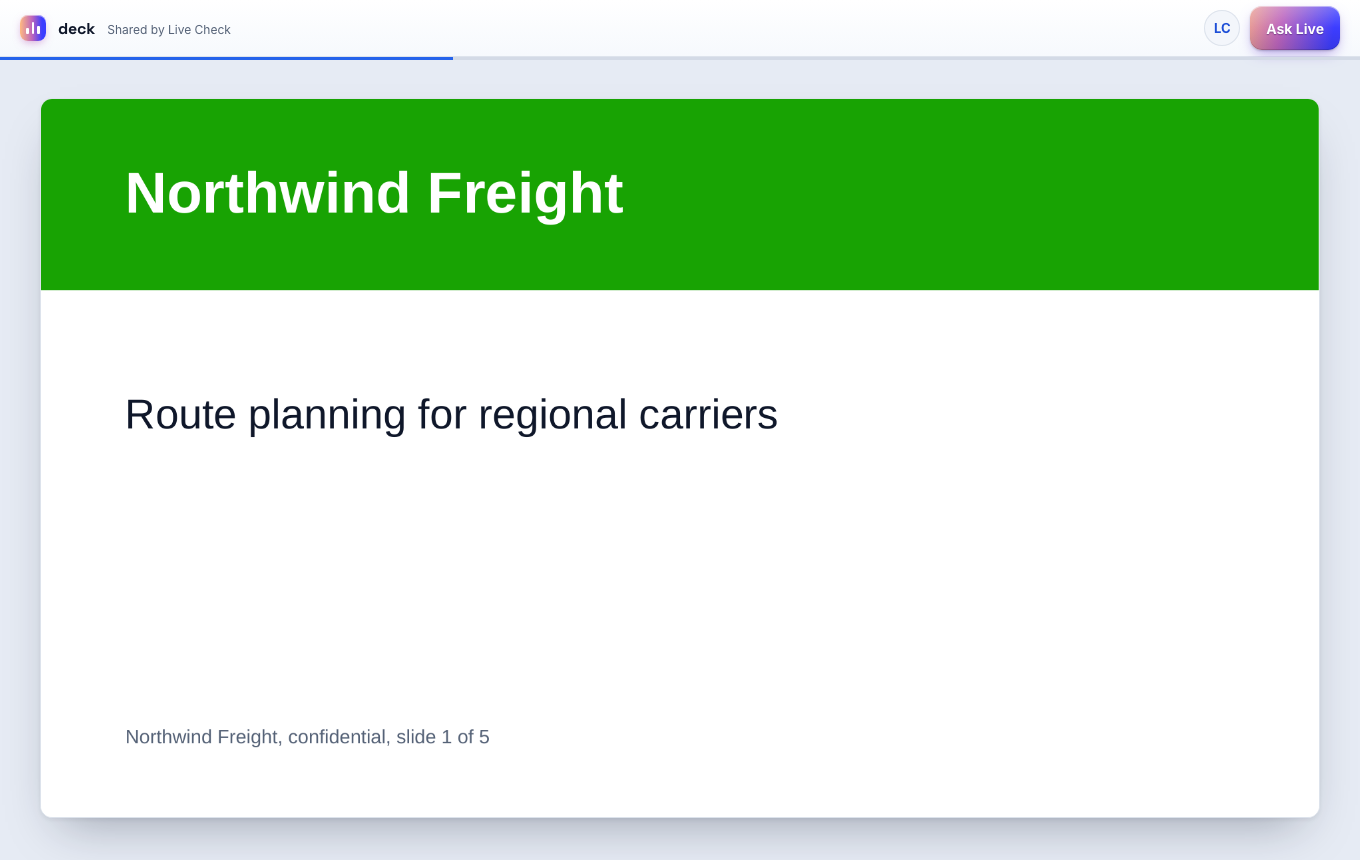
Send the link
Paste the link in your own email. The buyer opens it in the browser.
- 03
Get the alert
Phase emails you or posts in Slack when the buyer opens the pitch.
- 04
Follow up
Start the next call with the slide the buyer read longest.
Pitch builder
A pitch for each buyer.
Pick slides from several files, hide the slides that do not fit and add a hotspot to your booking page.
Stakeholders
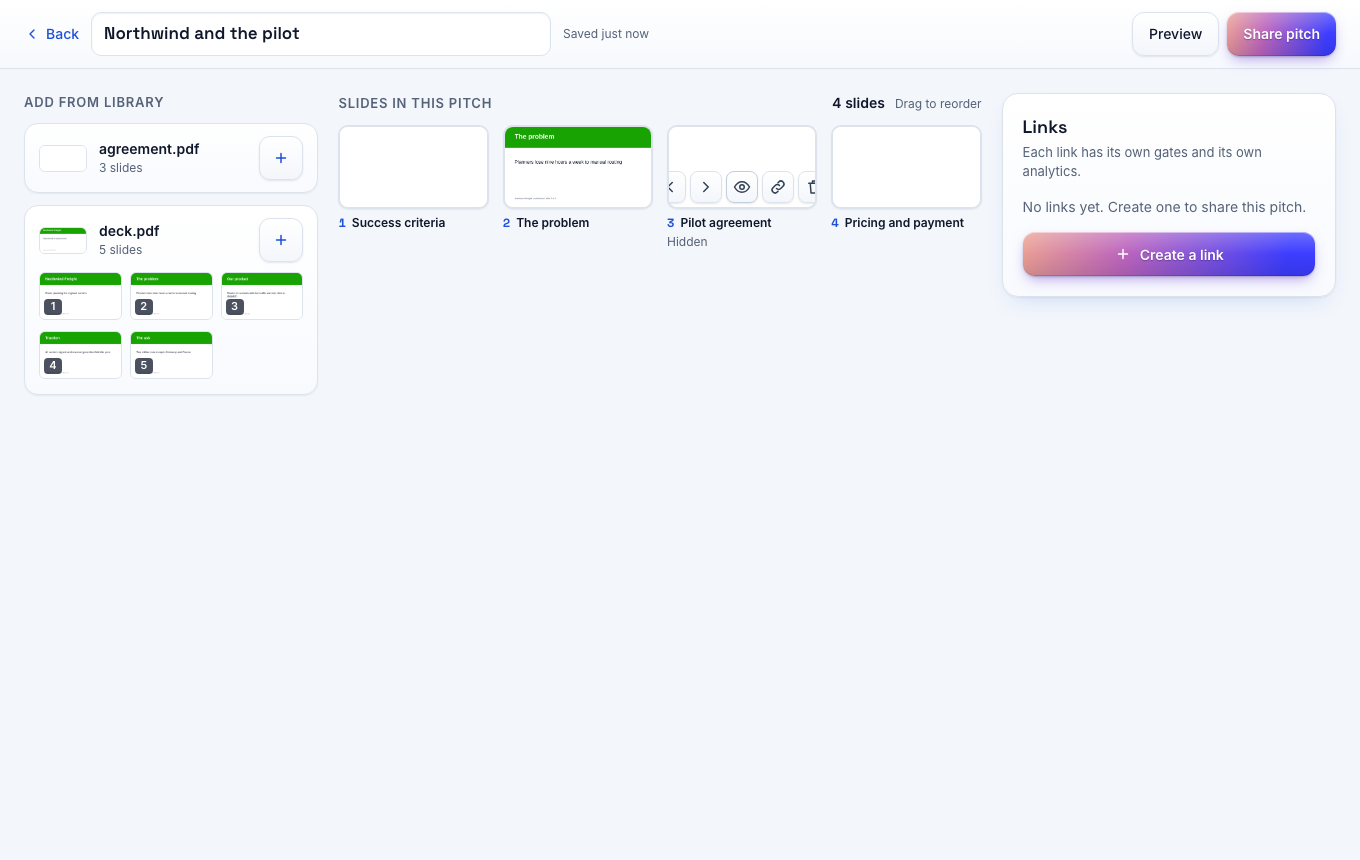
New stakeholders on record.
Phase flags a new reader on a link you sent to one person. You learn that the buyer shared your pitch with a colleague.
Board
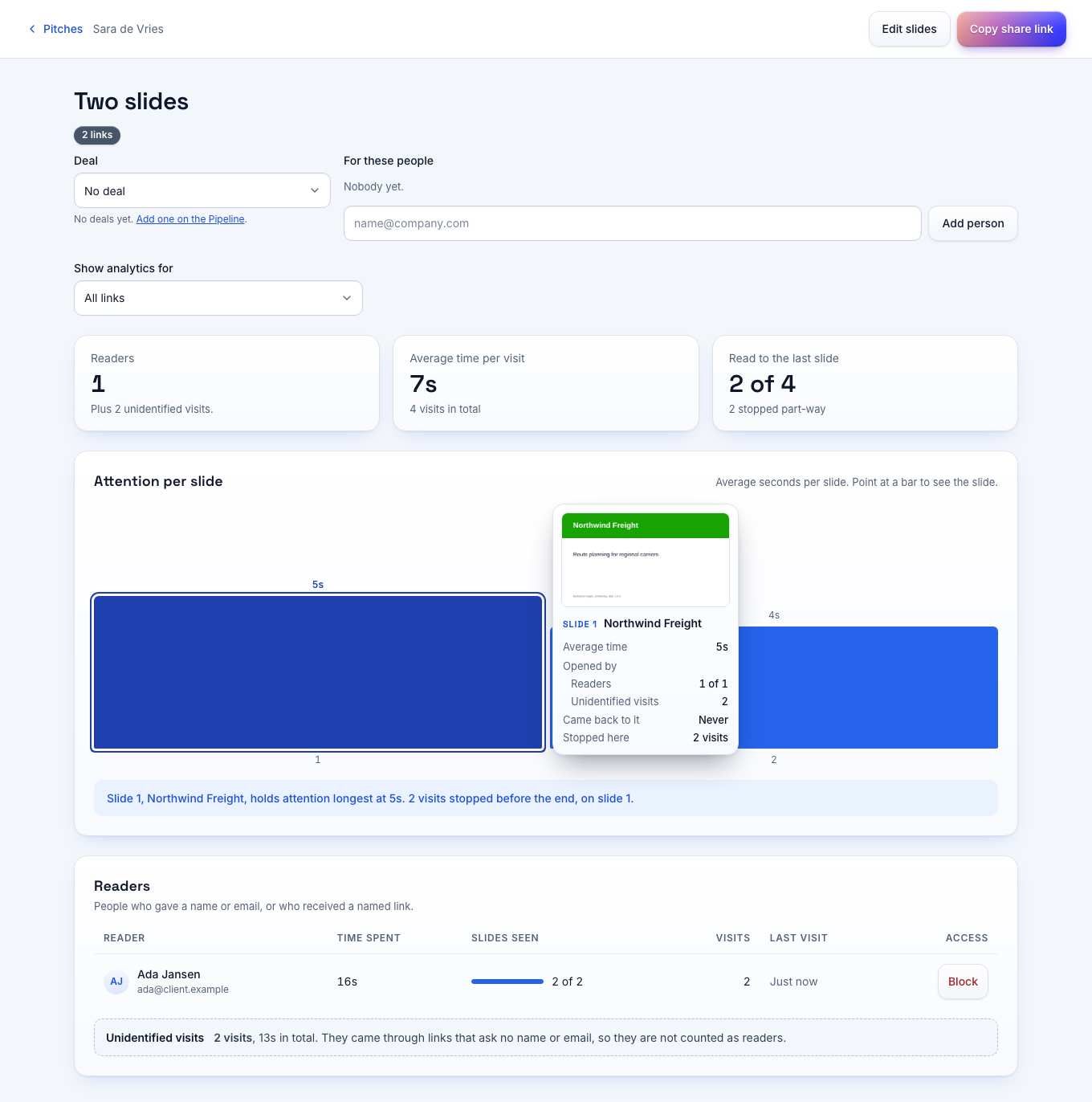
Active deals at the top.
The board orders each stage by recent reader activity. A deal with a reader on the page carries a Reading now mark.
PlannedHubSpot, Pipedrive and Salesforce sync come to the Team plan.
Embed
Proposals on your own site.
Embed the viewer on a page of your site with one script. Your page hears when the buyer finishes the last slide.
The plan you need
Start on Free with 5 active pitches. The Team plan at €29 per seat per month adds the company library and the embed toolkit.
Compare the plansYour questions answered
Do I write the pitch in Phase?
No. You write in PowerPoint, Keynote or Google Slides and upload the file. Phase has no slide editor.
Does Phase work with my CRM?
CRM sync is planned for the Team plan. Today the board has its own stages.
Is there a seat minimum?
No. You can start with one seat and add seats per month.
Send your first tracked link today
Free for one seat. New workspaces get 14 days of the Team plan without a card.